By the end your workspace will hold one provider record that every agent can call, with the API key stored once instead of pasted into each agent.
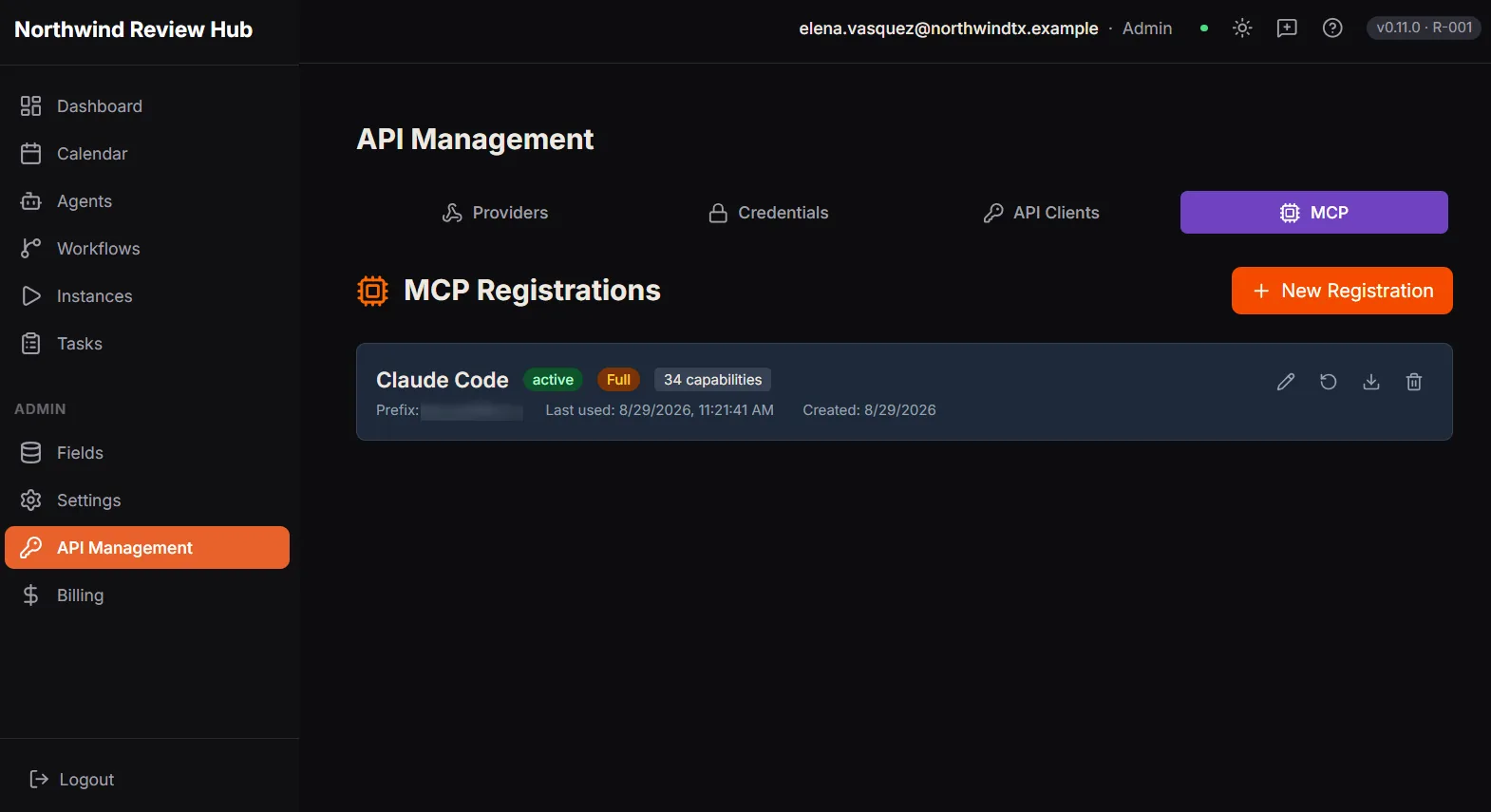
API Management, where the Providers tab lives. This capture has the MCP tab open, so it shows where Providers sits rather than the provider form itself. Demo workspace with example data.
Adapted from the in-product help centre, which stays the fuller reference. For how to raise anything this guide does not cover, see the Support Hub.