Quick reference guide

Connect an AI assistant over MCP

By the end an AI assistant will be able to work in your workspace, scoped to exactly the capabilities you granted.
About 6 minutes

Before you start

The steps

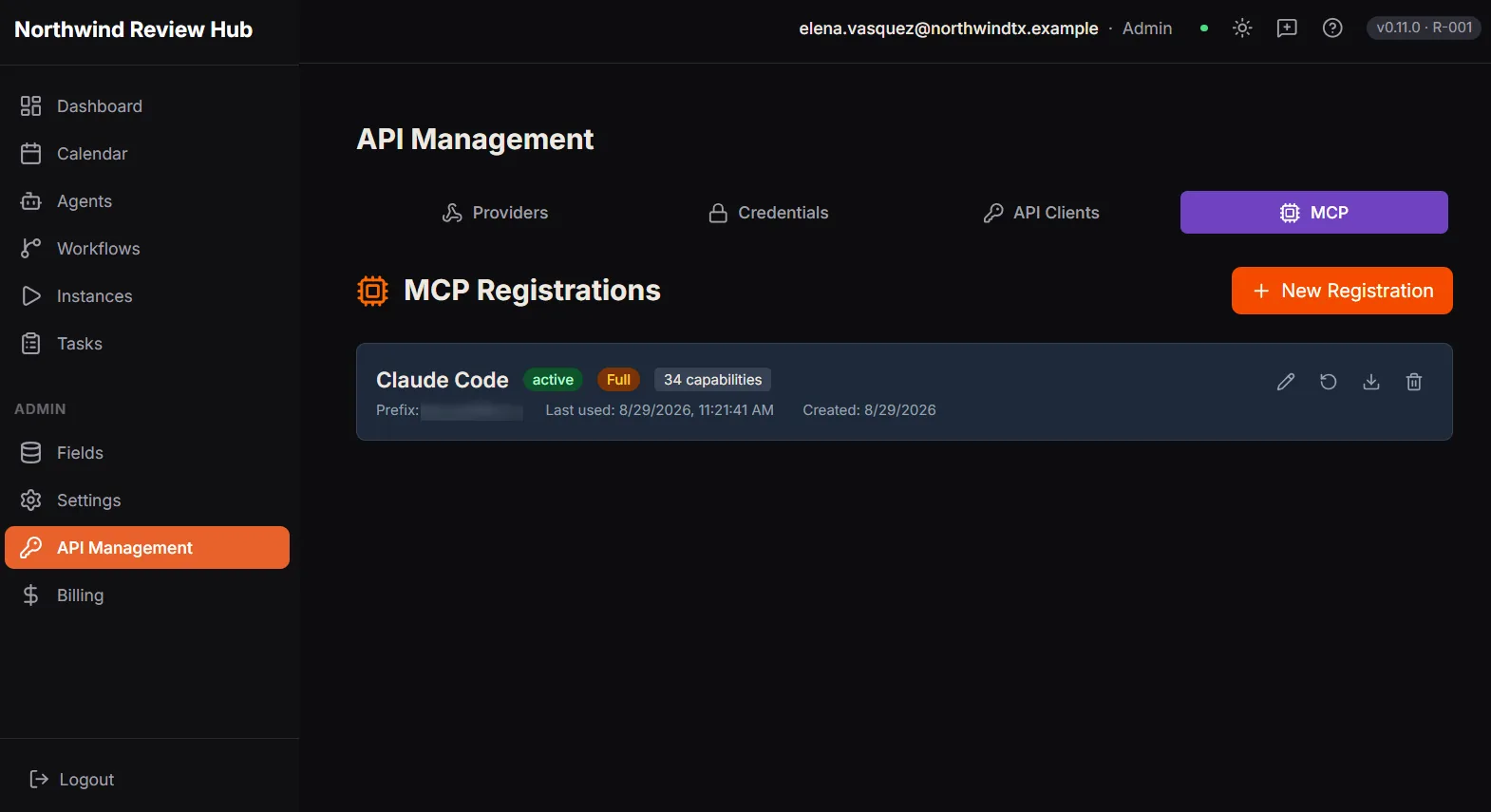
The API Management screen on its MCP tab, listing one registration named Claude Code. It is marked active, carries the Full preset and thirty-four capabilities, and shows a key prefix, when it was last used and when it was created. Further tabs cover Providers, Credentials and API Clients.

One MCP registration, with its preset, capability count and last use. Demo workspace with example data.

Where to go next

Adapted from the in-product help centre, which stays the fuller reference. For how to raise anything this guide does not cover, see the Support Hub.

Connect Claude or an IDE Assistant to Dave over MCP: A Quick Reference Guide | Dave